Why Impressions Increase But Clicks Don't: 9 Reasons and Fixes
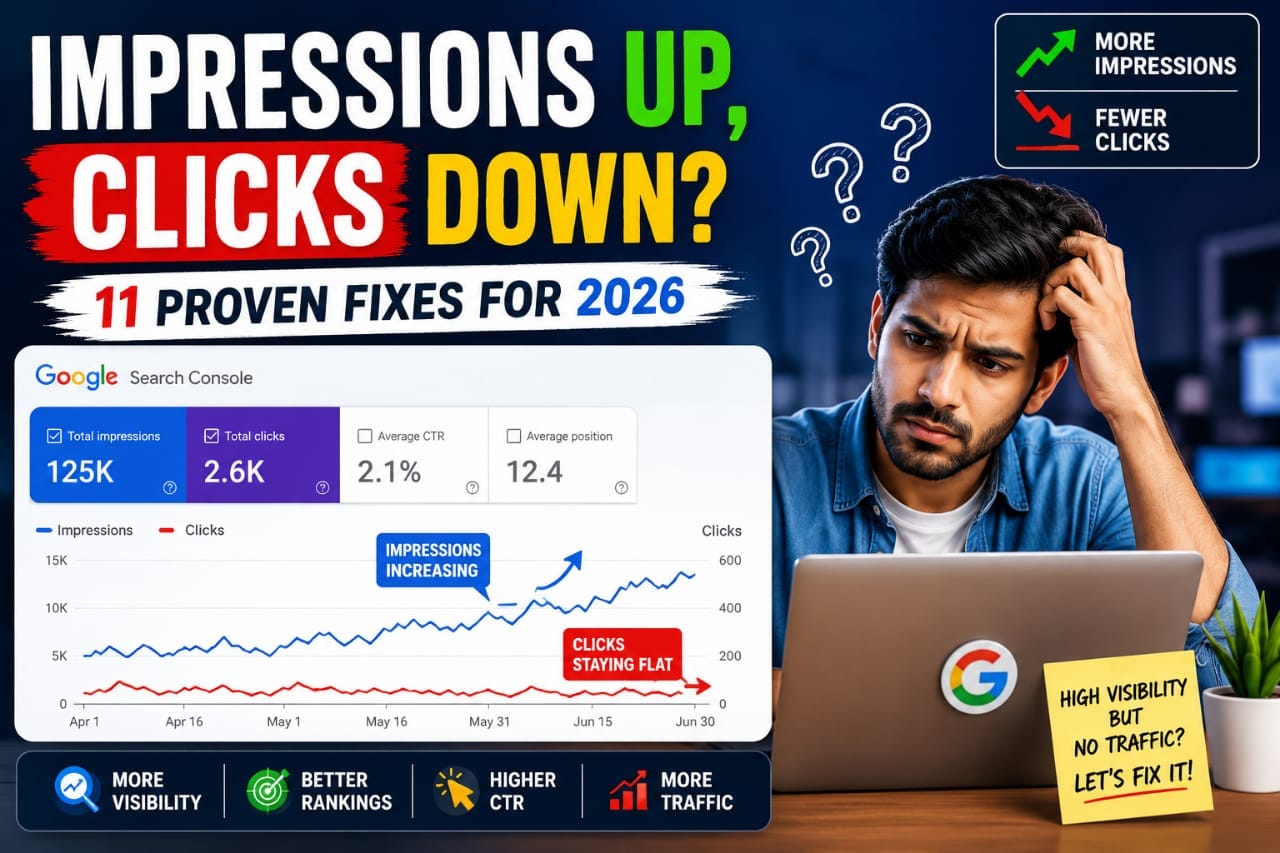
Your website is appearing in Google Search, your impressions are increasing, but your clicks are not growing. This can be frustrating, especially when you're publishing useful content and working to improve your rankings.The important thing is to understand that impressions and clicks measure different things. Impressions show how often your pages appeared in search results, while clicks show how often people visited your website from those results.
When impressions rise without a corresponding increase in clicks, you need to investigate your search queries, average positions, click-through rate (CTR), and the relevance of your content.
In this guide, you'll learn how to diagnose the problem in Google Search Console and choose the right improvement instead of changing your title or rewriting your article without evidence.
What Do Impressions, Clicks, CTR, and Average Position Mean?
Before making changes, understand the four main metrics in Google Search Console.
- Impressions: How often your website appeared in Google Search results.
- Clicks: How many times users clicked through to your website from those results.
- CTR: The percentage of impressions that generated clicks.
- Average position: The average position of your highest-ranking result for the reported impressions.
For example, suppose a page receives 1,000 impressions and 10 clicks. Its CTR is 1%.If impressions increase to 2,000 but clicks remain at 10, CTR falls to 0.5%. The page has gained visibility, but that visibility has not generated additional traffic.
This doesn't automatically mean the title is bad. Your page might be appearing for broader queries, ranking lower for new searches, or attracting impressions from searches that don't match its purpose.
9 Reasons Your Impressions Increase but Clicks Don't
1. Your Page Ranks Too Low
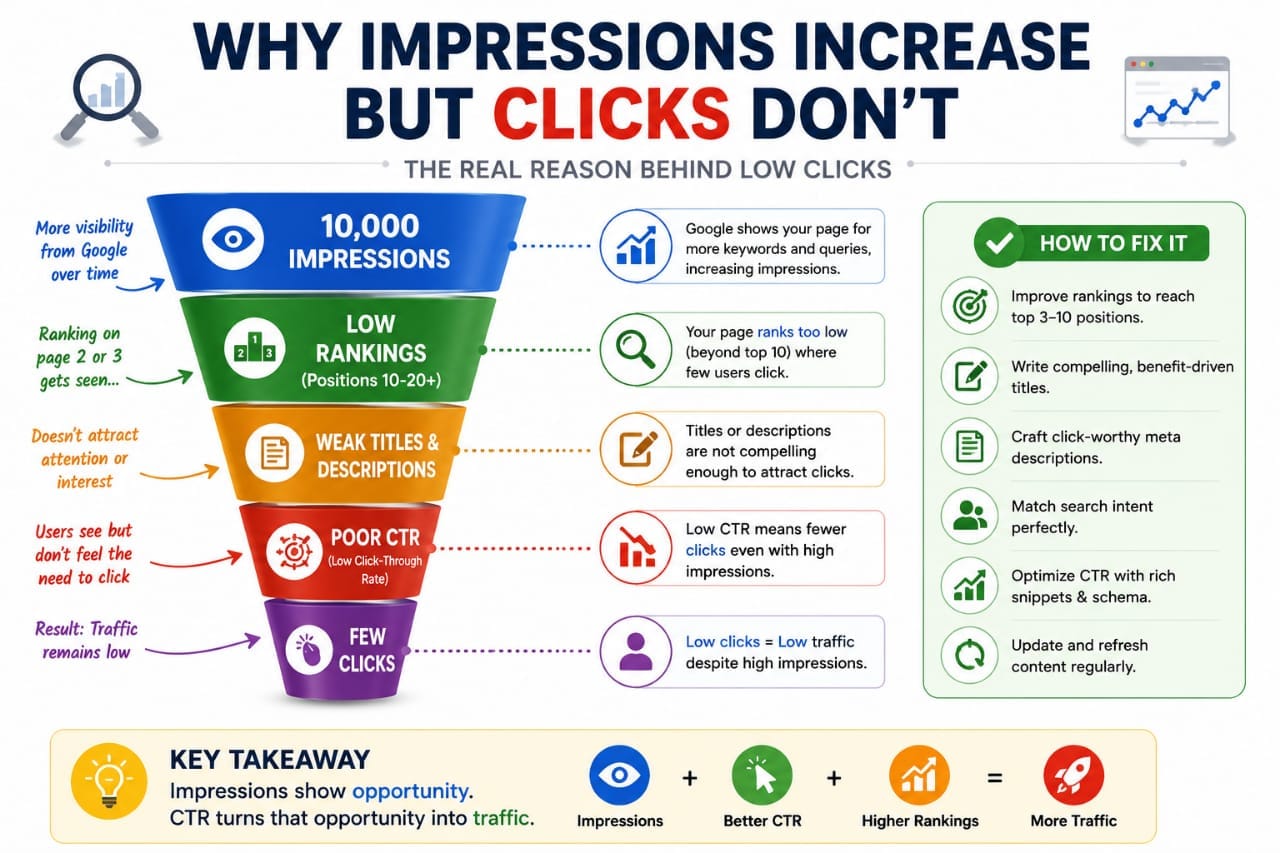
A page can receive more impressions because Google has started showing it for additional searches. However, if most of those impressions come from lower positions, clicks may remain limited.
How to fix it:
Open Google Search Console, select Performance → Search results, and open the Queries tab.
Review the average position for queries generating impressions.Identify relevant queries where your page could provide a better answer. Improve the content's completeness, search-intent alignment, and supporting internal links.Don't assume every query deserves a new paragraph. Focus on topics that genuinely belong on the page.
2. Your SEO Title Doesn't Match the Search
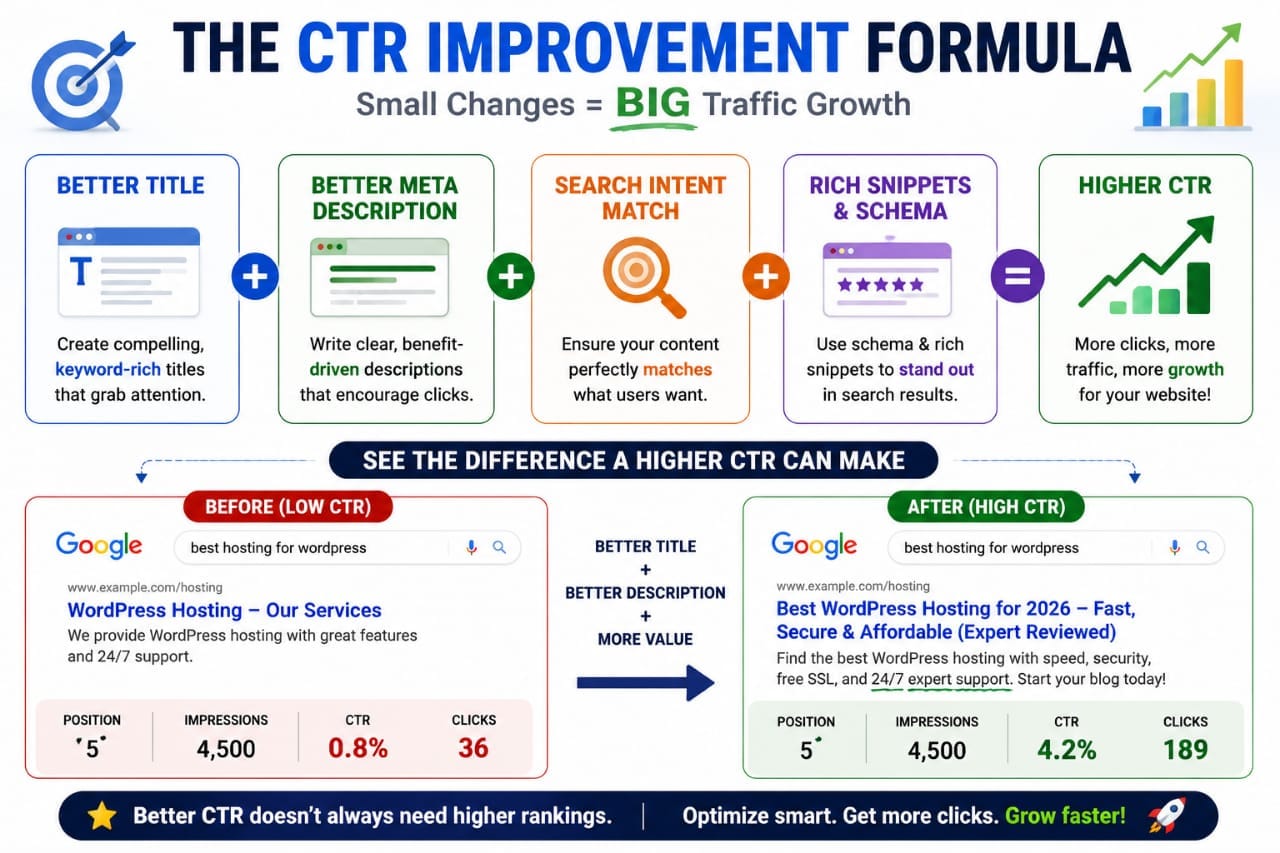
Your title helps users understand what a page offers. If it is vague, overly broad, or inconsistent with the query, people may choose another result.For example, a page targeting “why Google impressions increase but clicks don't” should clearly promise an explanation and a practical troubleshooting process.
How to fix it:
Write a specific, accurate title that reflects the article's content. Avoid exaggerated claims, unnecessary repetition, and promises the page cannot fulfil.You can use the Seovixo SEO Title Generator to explore alternatives, then select the title that best represents the actual content.
3. Your Search Snippet Doesn't Answer the User's Need
A search snippet may contain text from your meta description or other relevant content on the page. Google can generate a different snippet for different searches.If the description is generic or doesn't communicate what readers will learn, it may not encourage the right users to click.
How to fix it:
Write a concise, relevant meta description that explains the value of the page. Make sure the opening paragraphs clearly address the main question.Your meta description is not a guaranteed ranking or CTR improvement, and Google may display different text.
4. Your Page Targets the Wrong Search Intent
A page can appear for queries that are related to its keywords but don't match what searchers actually want.For example, someone searching “how to find low CTR keywords in Google Search Console” expects practical filtering instructions, not just a definition of CTR.
How to fix it:
Review the actual queries in Search Console. Compare them with the content and purpose of your page.If the page promises a tutorial, include actionable steps. If it promises a comparison, provide a meaningful comparison. Don't force unrelated keywords into the article simply because they generate impressions.
5. Your Impressions Come From Broader Queries
Google may begin showing your page for additional queries as it discovers and evaluates your content. Some of these searches may be less relevant than your original target.As a result, impressions can increase without generating more clicks.
How to fix it:
Compare the query lists for the current and previous periods. Identify which queries gained impressions and whether they are relevant to the page.Use this information to decide whether to clarify the topic, improve a section, or leave the content unchanged. Not every new query requires an edit.
6. Competing Search Results Look More Useful
Searchers often choose the result that appears to answer their question most clearly. Other results may provide a more specific title, a better-matched explanation, or a useful feature such as a video or rich result.
How to fix it:
Search for your target query and review the competing results. Look at what they promise, which questions they answer, and whether your page provides a clearer or more complete solution.Improve your content where there is a genuine gap. Don't copy competitors or add unnecessary sections just to make your article longer.
7. Your Content Is Too General or Repetitive
An article can mention the right keywords but still fail to solve the reader's problem. Repeated explanations, vague recommendations, and unsupported claims make content less useful.
How to fix it:
Give readers a practical process, meaningful examples, clear explanations, and honest limitations. Remove repetition and ensure that every section contributes something useful.
For a broader page-level review, use the "Seovixo SEO Analyzer" (https://seovixo.com/seo-analyzer-tool/)
to check relevant on-page elements, then manually review content quality and search intent.
8. You Haven't Investigated Technical Problems
Indexing changes, canonical issues, redirects, or other technical problems can affect which URL appears in Google Search.A decline in clicks or impressions should not automatically be blamed on content quality.
How to fix it:
Use URL Inspection in Google Search Console to check the affected page's indexing status and Google-selected canonical.
Review the Page indexing report and sitemap if necessary.If the URL is indexed correctly, continue investigating its query and ranking changes rather than repeatedly requesting indexing.
9. You're Comparing Different Queries or Date Ranges
CTR and average position can change when the mix of queries, devices, countries, or search appearances changes. A page might have a lower CTR even if its performance for a particular query remains stable.
How to fix it:
Compare equivalent date ranges and use page and query filters to isolate the cause. Where useful, segment by device or country.Avoid drawing conclusions from a handful of impressions.
Small samples can produce large percentage changes that aren't reliable evidence of a lasting trend.
How to Diagnose High Impressions but Low Clicks in Google Search Console
Follow this process before editing an article.
1. Open Google Search Console and select Performance → Search results.
2. Choose a suitable date range and compare it with the previous equivalent period.
3. Open the Pages tab and select the URL you want to investigate.
4. Open Queries to see which searches generated impressions for that page.
5. Compare clicks, impressions, CTR, and average position for the relevant queries.
6. Check whether the queries match the page's intended topic.
7. Inspect indexing and canonical status if visibility has dropped sharply.
8. Make one targeted improvement only after identifying a plausible cause.
For example, if a relevant query ranks around position 8 but has a low CTR, reviewing the title and search-result presentation may be reasonable. If it ranks around position 75, investigate relevance and ranking opportunities first.For more guidance, read our related article on "finding keywords ranking between positions 11 and 30" (https://seovixo.com/).
Quick Comparison: What Should You Improve?
How to Turn Impressions Into More Clicks
Once you've identified the problem, make only the improvements that address it.
- For ranking problems: Improve relevance, content usefulness, and contextual internal links.
- For title problems: Make the title more specific and accurately aligned with the query.
- For snippet problems: Write a useful meta description and strengthen the page's introductory content.
- For technical problems: Resolve the actual indexing, canonical, or redirect issue.
- For unclear search intent: Restructure the content around the question users are trying to answer.
If you update a title or content section, record the date and compare performance again after Google has had time to recrawl the page. Don't assume that a change caused an improvement simply because metrics fluctuated afterward.
Frequently Asked Questions
Why are my impressions increasing but clicks staying the same?
Your pages may be appearing for more queries or at lower positions. Review individual queries, CTR, average position, and search intent to determine the cause.
Is low CTR always bad for SEO?
No. CTR varies with position, query intent, device, and the type of search result. There is no single CTR target that applies to every page.
Should I change my title when impressions rise but clicks don't?
Only if the query and search-result evidence suggests that the title is unclear or poorly matched to user intent. A title change cannot fix every ranking problem.
How long should I wait after making SEO improvements?
Allow time for Google to recrawl and reassess the page. Monitor performance over comparable date ranges rather than reacting to daily fluctuations.
Final Takeaway
Increasing impressions without increasing clicks is a signal to investigate, not a reason to rewrite an entire website.Start with Google Search Console. Identify the affected pages and queries, check rankings and search intent, and rule out technical problems.
Then make a focused improvement and measure the result.The goal is not simply to gain more impressions. It is to help the right searchers find a page that genuinely answers their questions.