How to Refresh Old Blog Content and Improve SEO
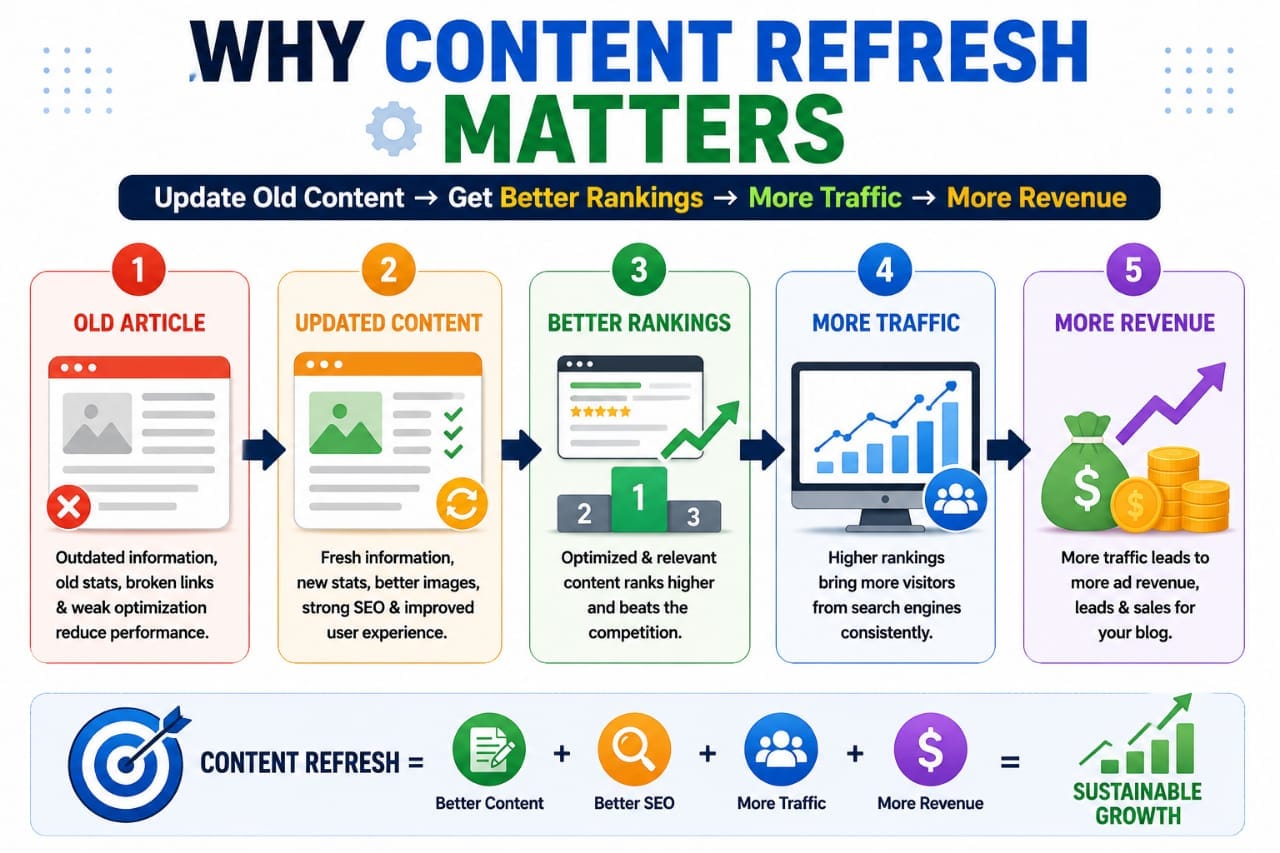
Old blog posts can lose relevance when information becomes outdated, search intent changes, links break, or competitors publish more useful content. Updating an existing article can help you correct these problems and give readers a better experience.
However, refreshing content does not mean changing the publication date, adding more keywords, or making every article longer.
The goal is to make the page more accurate, useful, and relevant to the people searching for that information.In this guide, you'll learn how to identify outdated blog posts, improve their content, strengthen internal links, and measure the results using Google Search Console.
Why Should You Refresh Old Blog Content?
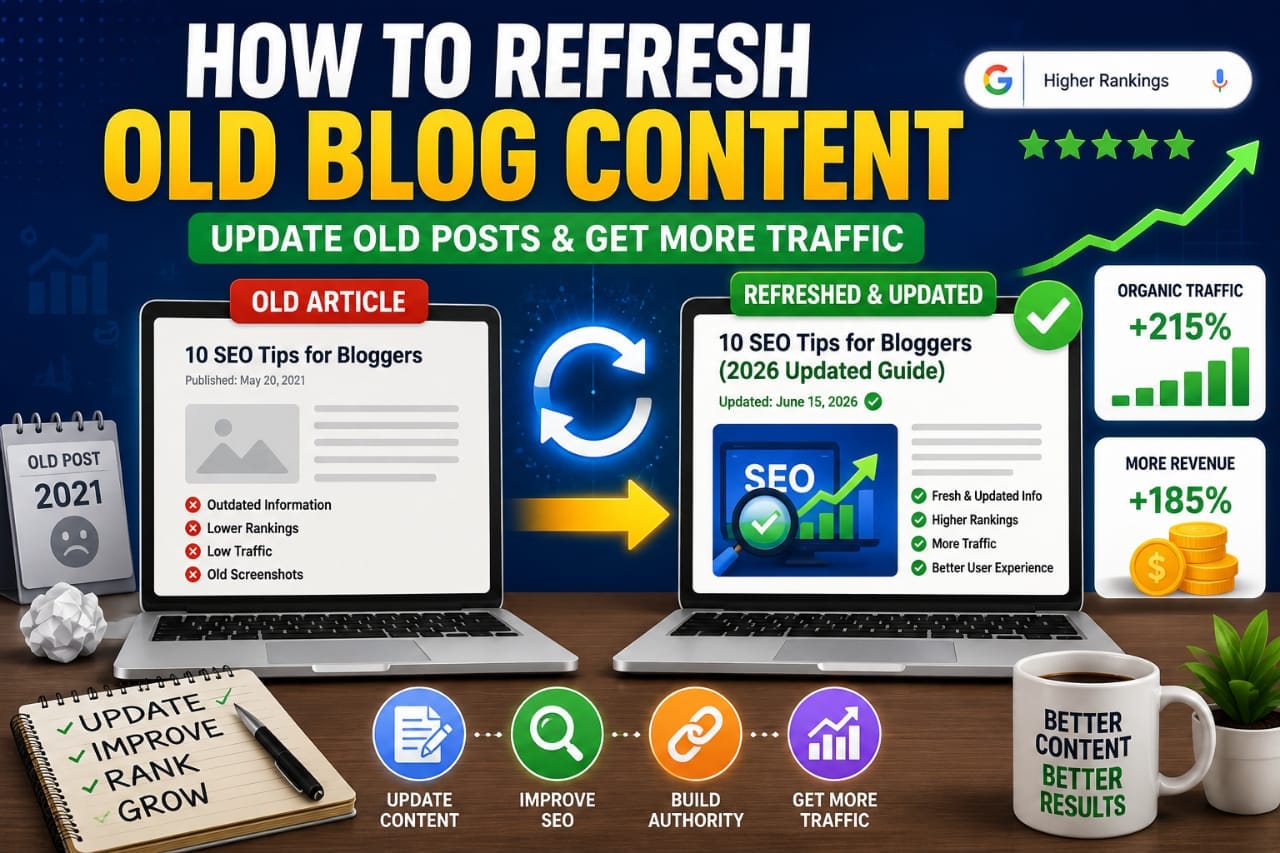
An older article may still have valuable information and backlinks, but some sections might no longer meet readers' needs. For example, screenshots may show an outdated interface, recommendations may no longer be appropriate, or a newer search query may reveal a question your article does not answer.
Refreshing content helps you address those weaknesses without automatically creating another article on the same topic.
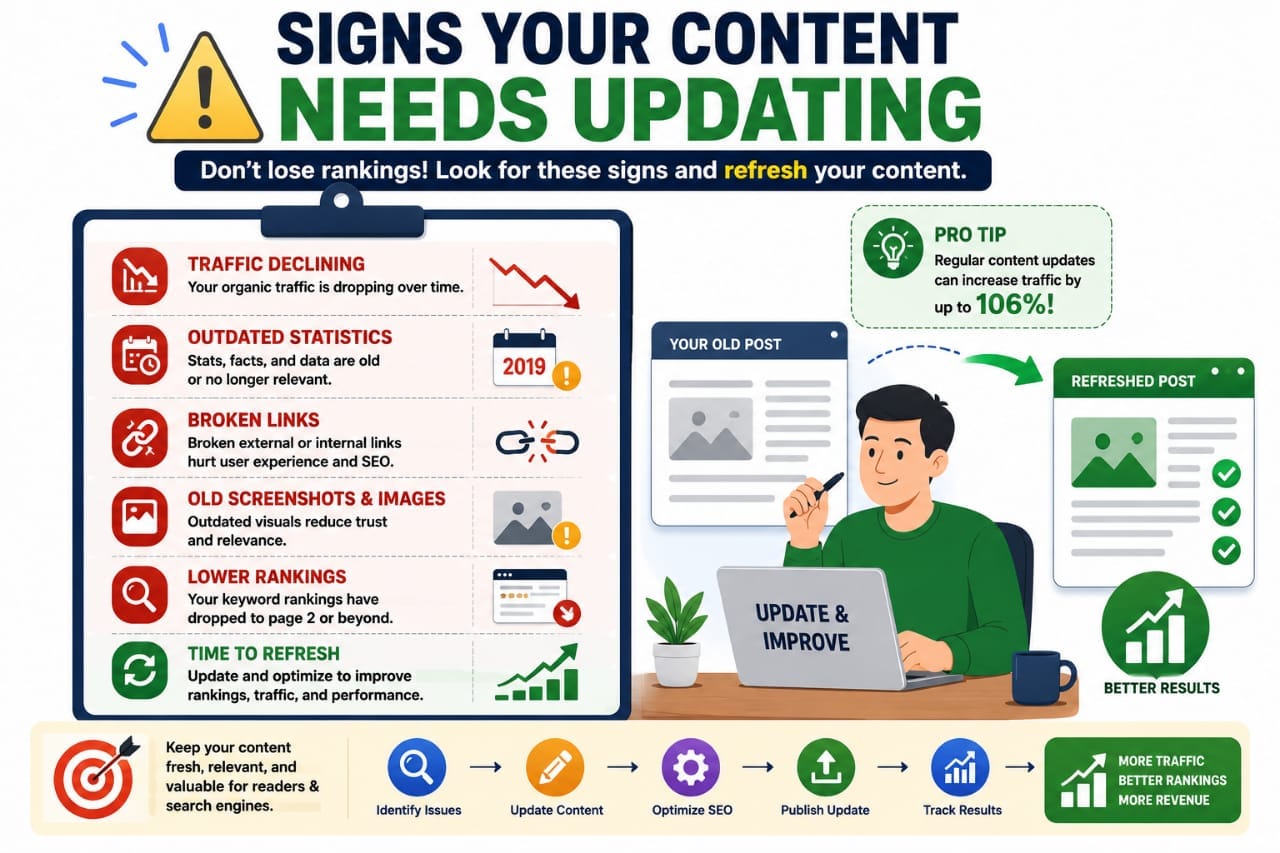
Not every old post needs an update. Start with pages that have declining search performance, outdated information, broken links, or clear opportunities to provide more value.
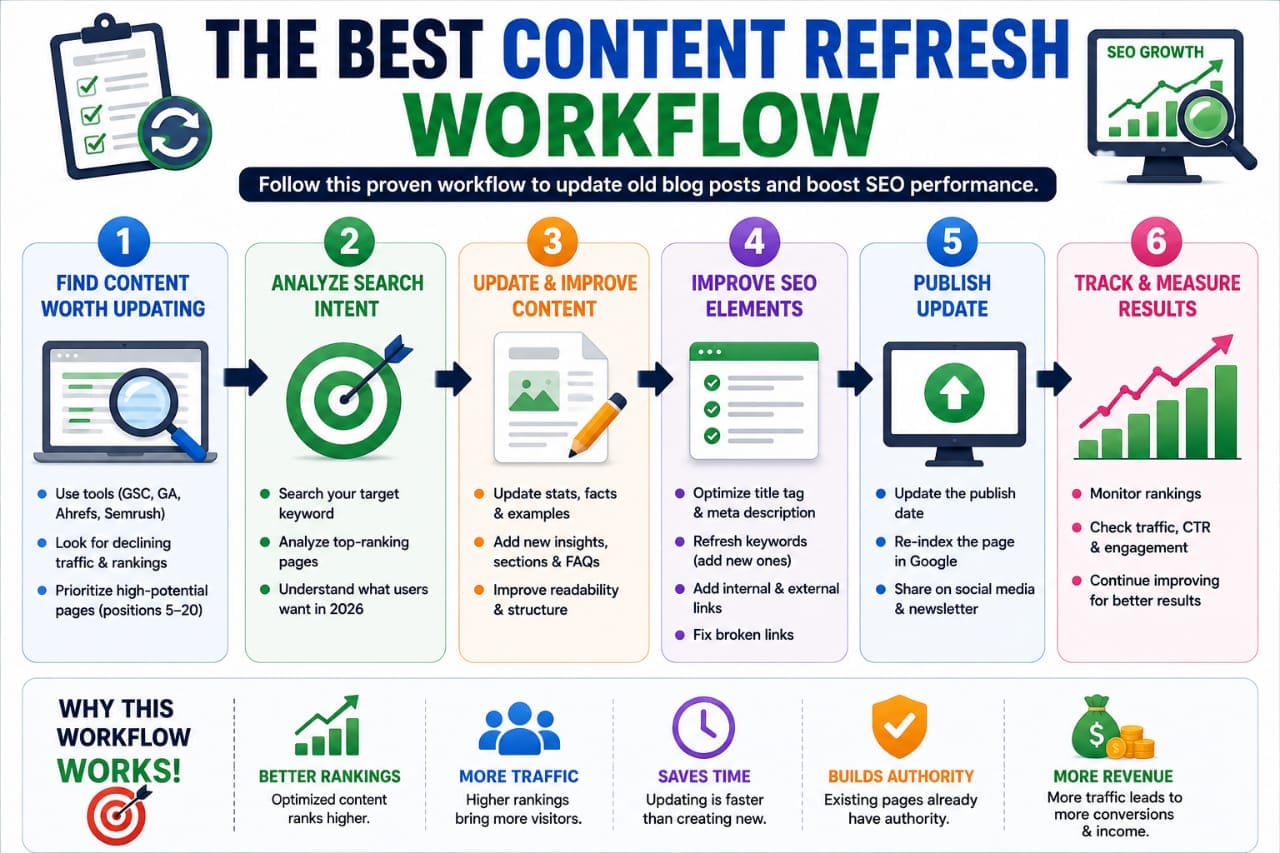
1. Find Blog Posts That Need Updating
Start with Google Search Console. Open Performance → Search results and review your pages, queries, clicks, impressions, click-through rate (CTR), and average position.
Compare equal date ranges, such as the last 28 days against the previous 28 days. Use a longer period when a page receives very few impressions or has seasonal traffic patterns.
Look for pages where:
- Impressions or clicks have declined noticeably
- A page receives impressions for relevant queries but does not answer them adequately
- Important information, screenshots, or recommendations are outdated.
- Several related articles overlap in topic and could confuse readers.
Investigate the reasons behind a decline before editing. Search demand, competition, seasonality, technical problems, and changes to search results can all influence performance.
2. Review Search Intent Before Rewriting
Search intent means understanding what people want to accomplish when they search for a query.Open the queries associated with your page in Search Console and examine the current search results for the most relevant terms. Compare the questions, examples, and level of detail that appear in competing pages with your own article.
Ask yourself:
- Does the introduction answer the main question quickly?
- Are important steps missing?
- Are readers likely to need another resource to complete the task?
- Does the article address the actual query, or has it drifted into unrelated topics?
For example, an article about refreshing old blog posts should explain how to identify suitable pages, make useful updates, and measure the outcome.
A lengthy explanation of unrelated SEO techniques would distract from that purpose.
3. Update Outdated Facts and Recommendations
Check each section that contains facts, instructions, statistics, product features, prices, dates, or tool screenshots.Verify important claims against reliable sources and official documentation where appropriate. Replace obsolete instructions with current ones, remove recommendations that no longer make sense, and correct broken links.
If you mention a tool, ensure its features and pricing are still accurate. If you use a screenshot, update it when the interface has changed significantly.
Avoid inventing statistics or presenting hypothetical traffic improvements as real case studies.
If you do not have verified performance data, explain the process with a clearly labelled hypothetical example instead.
4. Add Missing Information That Helps Readers
A refresh should improve the article, not simply increase its word count.Add a section when it answers a genuine reader question, explains a difficult step, provides a useful example, or resolves an important gap. Remove repetitive paragraphs that do not add new information.
For a WordPress tutorial, this might mean replacing an outdated screenshot and explaining where a setting is located in the current interface.
For an SEO article, it could mean adding a practical Search Console walkthrough or explaining how to interpret a particular metric.
Include first-hand observations only when you can support them with genuine experience. Useful explanations and reliable examples are more valuable than exaggerated claims about rankings.
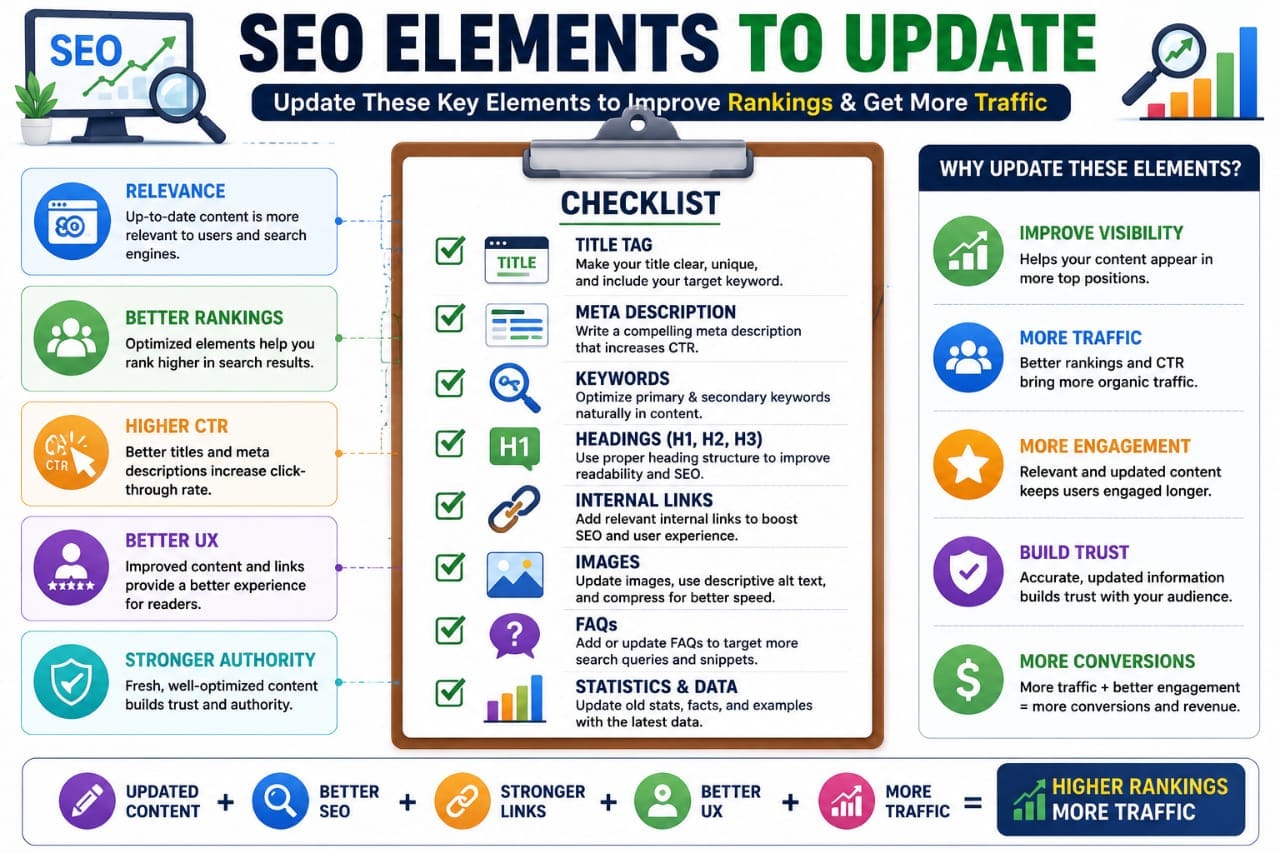
5. Improve the SEO Title, Headings, and Meta Description
Review the SEO title, H1 heading, subheadings, and meta description after updating the content.Your title should clearly describe the page and set accurate expectations.
For example,
“How to Refresh Old Blog Posts for SEO: A Step-by-Step Guide”
communicates the topic and the practical value more clearly than “Old Blog Content.”Keep the H1 aligned with the article's actual subject.
Use H2 and H3 headings to organize the process logically, not merely to insert extra keywords.Write a concise meta description that summarizes the page's benefit. Google may use this description for the search snippet, but it can also generate a snippet from the page itself.
Avoid repeating the same keyword unnaturally or promising guaranteed rankings. The goal is to help users understand why the page is relevant to their search.
6. Strengthen Internal Links
Internal links help readers find useful related information and help search engines discover other pages on your website.When refreshing an article, review both existing links and opportunities to add new ones. Remove links that lead to deleted or irrelevant pages, correct broken URLs, and link to newer resources where they genuinely help the reader.
For example, this article can connect naturally to the
"Seovixo SEO Analyzer Tool"
(https://seovixo.com/seo-analyzer-tool/) when discussing on-page checks, or to
"Pillar Page vs. Cluster Page" (https://seovixo.com/pillar-page-vs-cluster-page/)\ when explaining how related content supports a wider topic.
For a deeper discussion of search performance, you can also link to "Why Impressions Increase
But Clicks Don't" (https://seovixo.com/why-impressions-increase-but-clicks-dont/).
Use descriptive anchor text so readers know what they will find after clicking. Don't add links simply to increase their number.
7. Check Images, Links, and Technical Issues
Before publishing, review the elements that affect how readers access and understand the page.Check that images load correctly, relevant images have descriptive alt text, and decorative images do not contain unnecessary descriptions. Alt text should describe the actual image rather than repeat unrelated keywords.
Test internal and external links. Check that the page remains accessible, loads properly on mobile devices, and has the intended canonical URL and indexing settings.
An on-page checker can help identify common issues, but verify important technical findings rather than assuming every automated recommendation is correct.
8. Compare Performance After Publishing
Before making changes, record the page's existing clicks, impressions, CTR, average position, and important queries. Keep a short note of what you changed and the date you published the update.After publishing, check that the updated page loads correctly and remains indexable. You can request indexing through
Google Search Console when appropriate, but repeated requests are unnecessary.Review the results over the following weeks and compare equivalent date ranges. Low-traffic pages may need a longer observation period because small changes in a handful of impressions can produce large percentage differences.
If performance improves, identify which queries and changes may have contributed. If it declines, investigate before making another edit. Search results change over time, and no content update guarantees higher rankings.
When Should You Refresh Old Blog Content?
Final Content Refresh Checklist
Before marking an article as updated, confirm that you have:
- Checked Search Console performance and relevant queries.
- Reviewed search intent and identified genuine content gaps.
- Corrected outdated facts and unsupported claims.
- Improved titles, headings, images, and internal links where needed.
- Tested the page and checked important technical settings.
- Recorded the changes so you can measure performance afterward.
Refreshing old content is most useful when it solves a real problem for readers. Focus on accuracy, relevance, and practical value rather than adding words or changing dates for appearance. Make thoughtful updates, measure the results, and leave pages alone when there is no meaningful reason to change them.