How to Promote Your Blog Posts and Get More Readers (15 Proven Ways)
Publishing a great blog post is only half the work. Even helpful, well-researched articles can struggle to attract readers when nobody knows they exist.
To grow your blog, you need a promotion strategy that helps your content reach people through search engines, social media, online communities, email, and other channels.
The good news is that you do not need a huge advertising budget. With consistent effort, you can reach more readers by promoting each article across several relevant platforms.
Here are 15 practical ways to promote your blog posts and increase website traffic.
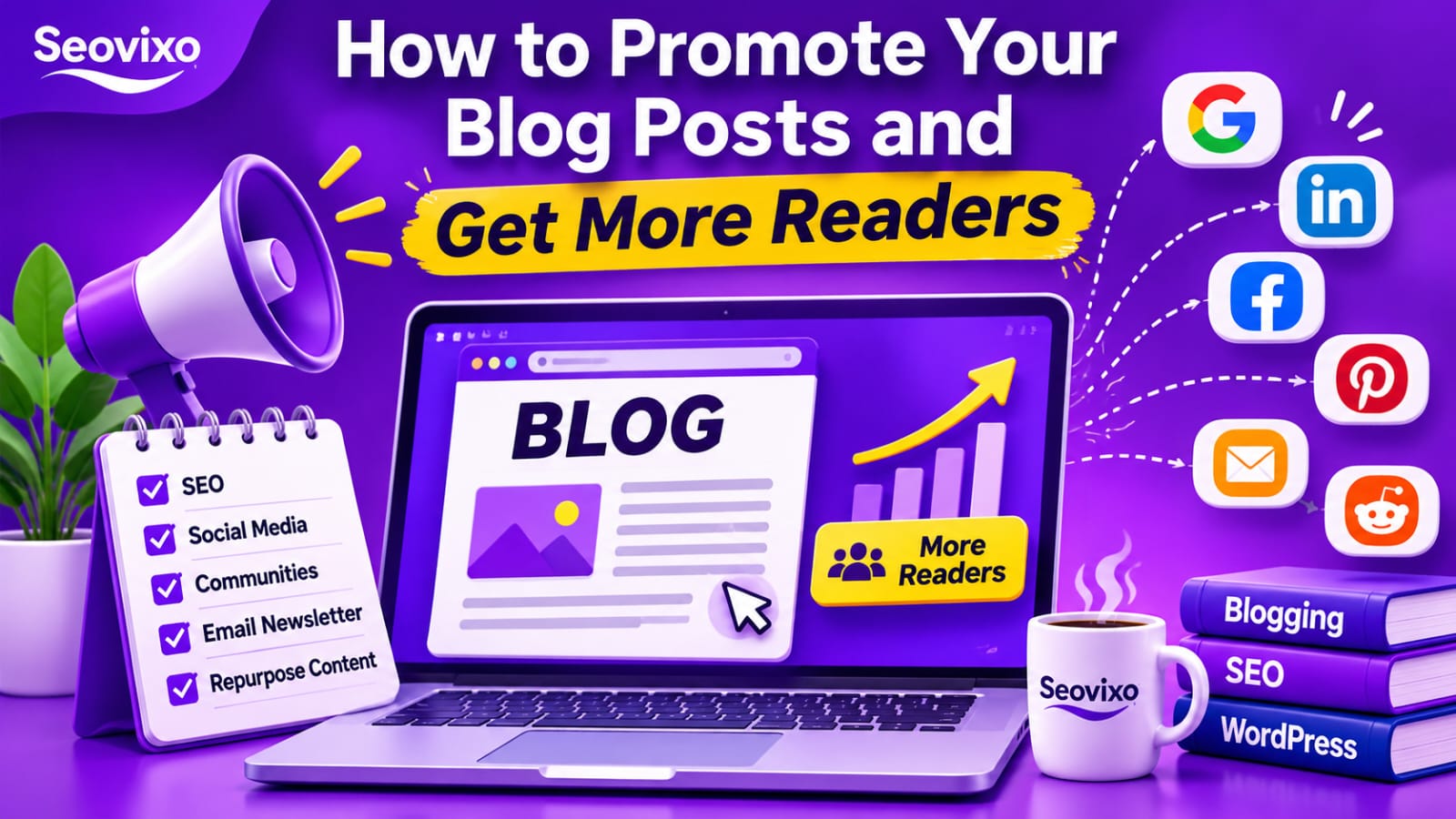
Why Publishing a Blog Post Isn't Enough
Publishing an article does not guarantee that people will discover it. Search engines need time to crawl and evaluate content, while social media posts compete with countless other updates.
Blog promotion helps you introduce your content to potential readers instead of waiting for them to find it.
A good strategy combines long-term traffic sources, such as organic search and email, with distribution channels that can bring attention soon after publication.
15 Ways to Promote Your Blog Posts and Get More Readers
1. Optimize Your Blog Post for Search Engines
SEO is one of the most valuable long-term ways to attract readers. Research relevant keywords before writing and make sure your article answers the searcher's actual question.
Write a descriptive title, create a useful meta description, organize the article with clear headings, and add relevant internal links. Use your target keyword naturally rather than repeating it unnecessarily.
Also, make your article easy to read on mobile devices and improve its loading experience
2. Share Your Articles on LinkedIn and Facebook
Social media gives you an opportunity to introduce your articles to people who may not discover them through Google.On LinkedIn, share a useful insight from your article, explain the problem it solves, and include the link for readers who want more detail.
On Facebook, share articles through your page and relevant communities where promotional posts are allowed.Avoid posting only a link with no explanation. Give people a reason to click.
3. Promote Your Blog Posts on Pinterest
Pinterest can help readers discover visual content, particularly tutorials, checklists, blogging tips, and step-by-step guides.
Create an attractive vertical graphic for each important article. Use a clear headline, readable text, and relevant keywords in your Pin title and description.
Link the Pin directly to the relevant article on your website. Create different useful designs for the same article rather than repeatedly sharing identical graphics.
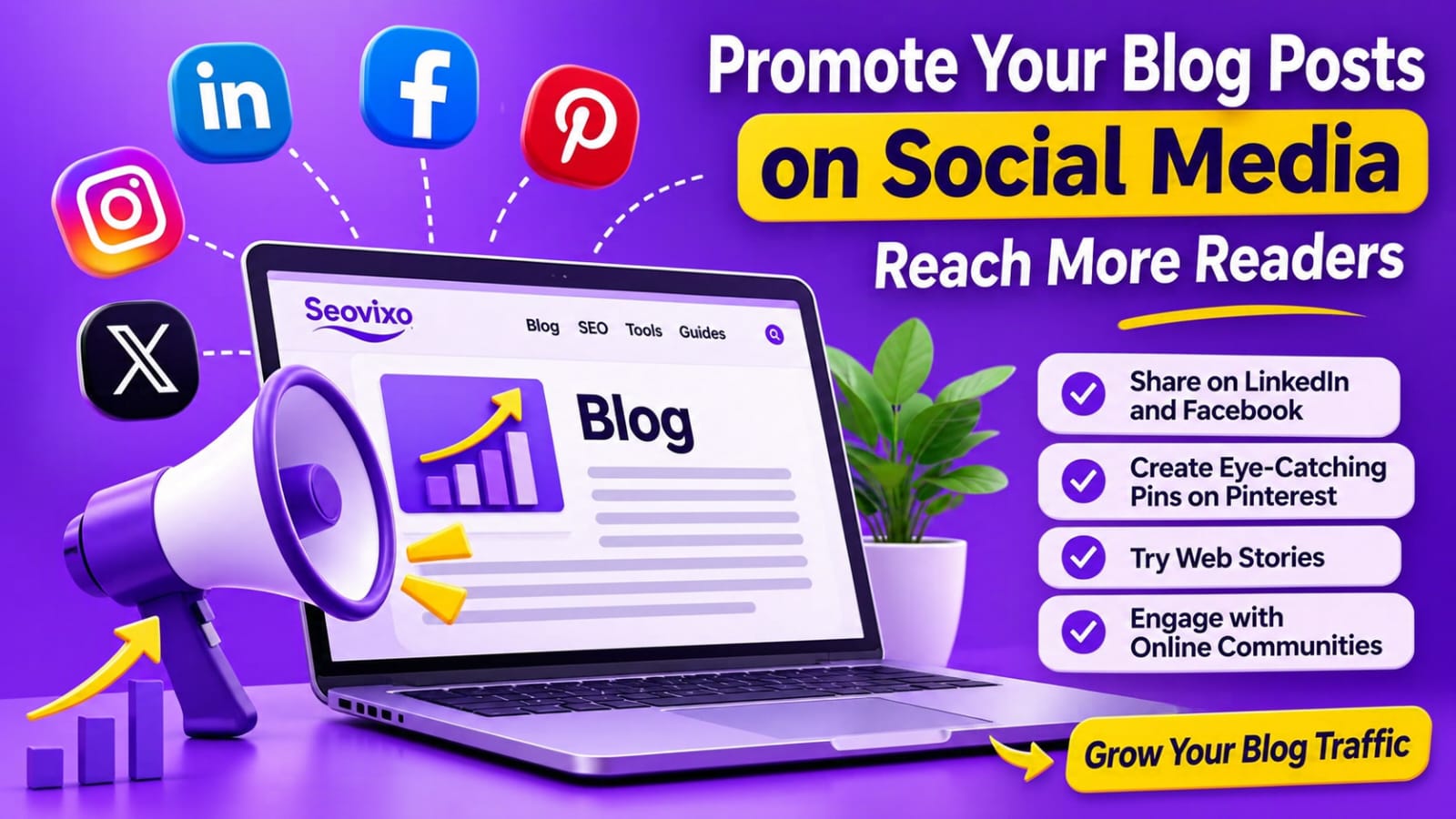
4. Turn Your Articles Into Web Stories
Repurposing blog content into Web Stories gives readers another way to discover your ideas.Select the most useful points from an article and turn them into short visual slides.
For example, a guide about blog promotion could become a story titled "7 Ways to Get More Readers for Your Blog."Keep each slide focused on one idea and include a relevant link to the full article where appropriate.
Remember that Web Stories are an additional distribution format, not a replacement for your original article.
5. Share Helpful Answers on Reddit and Online Communities
Reddit and niche communities can introduce your content to people who are already interested in your subject.Find discussions related to your article and provide genuinely helpful answers.
Share your article only when it directly adds useful information and the community permits links.
Do not repeatedly post promotional links or copy the same message into multiple discussions. Participate in conversations and build trust before promoting your website.
6. Repurpose Articles on Medium and Dev.to
You can reach additional readers by turning your main articles into shorter, adapted versions for platforms such as Medium and Dev.to.
Do not simply publish duplicate content without considering the reader experience. Rewrite the introduction, use a different angle, and provide a useful summary.
Link naturally to your original article for readers who want the complete guide. Where supported and appropriate, use canonical settings to identify the original source.
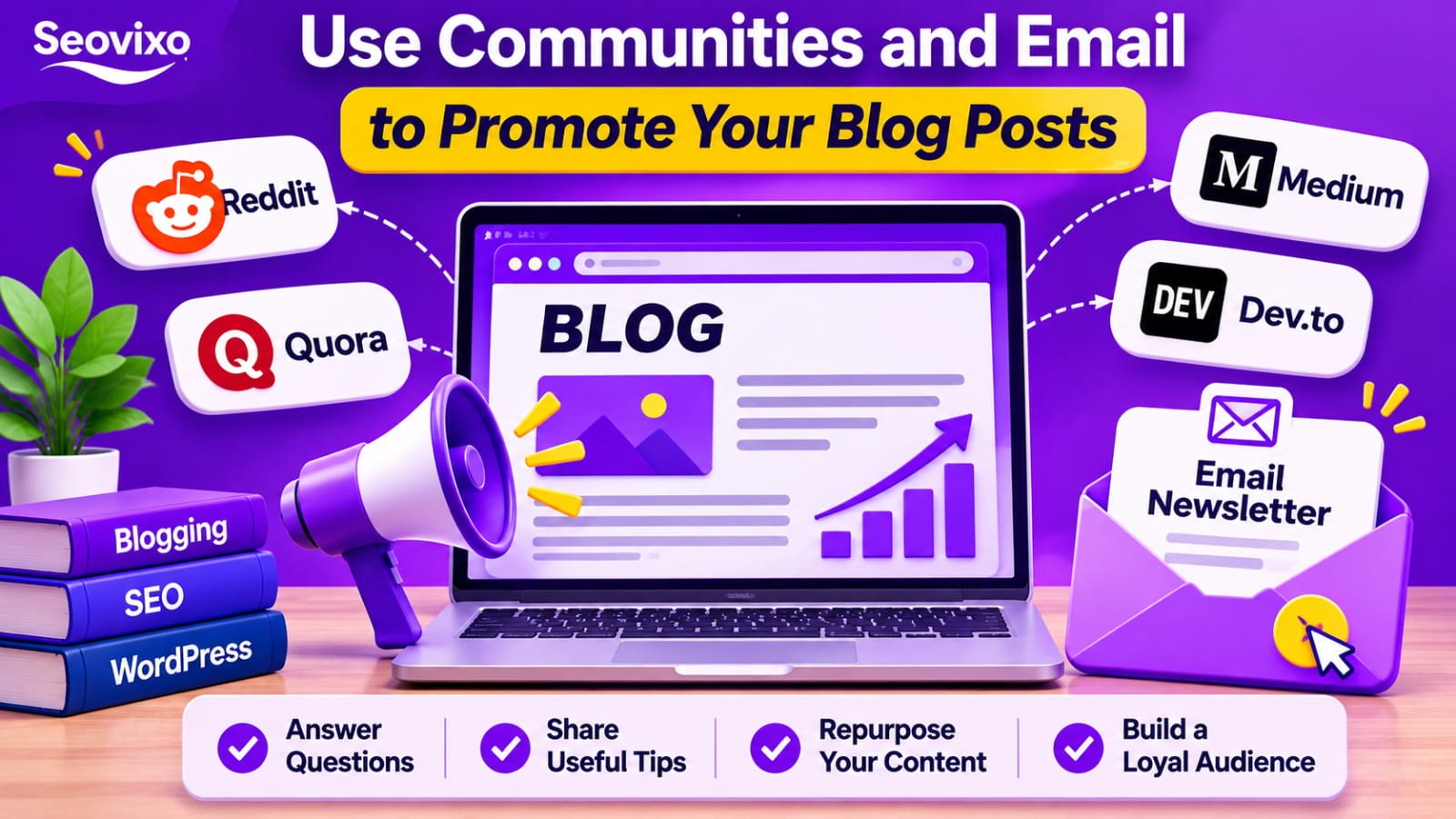
7. Build an Email Newsletter
Email marketing gives you a direct way to reach readers who have chosen to receive updates.Add a subscription form to your website and invite visitors to join your newsletter.
When you publish a new article, send subscribers a short introduction explaining why it is useful.You can also share older guides, practical tips, and curated resources.
Focus on sending genuinely valuable emails rather than filling subscribers' inboxes with frequent promotions.
8. Add Internal Links From Older Articles
Your existing articles can help readers discover new content.Whenever you publish a new guide, find older articles covering closely related topics.
Add contextual links where the new article provides useful additional information.
For example, an article about finding profitable blog ideas could link to your guide about promoting blog posts when discussing content growth.
Use descriptive anchor text so readers understand what they will find after clicking.
9. Collaborate With Other Bloggers
Building relationships with other bloggers can create opportunities for content promotion.
You could contribute guest articles, participate in expert discussions, interview industry professionals, or create collaborative resources.Choose websites and creators with audiences relevant to your subject.
A smaller, engaged audience can be more valuable than a large but unrelated one.
Focus on sharing expertise rather than exchanging links solely to manipulate search rankings.
10. Answer Questions on Quora and Relevant Forums
People frequently ask questions about blogging, SEO, WordPress, and website growth.
Search for questions related to your article and write complete, useful answers. Explain the solution clearly and link to your guide when it provides additional detail.
Avoid short answers created only to promote your website. Readers are more likely to trust detailed responses that solve their problem.
11. Create Social Media Graphics and Short Videos
Some readers prefer visual explanations over lengthy articles.Turn important lessons from your blog post into infographics, carousel posts, short videos, or simple checklists.
For example, a guide about keyword research could become a short video explaining three ways to find blog topics.
Always include a clear next step, such as reading the complete guide on your website.
12. Update and Repromote Older Articles
Promotion should not stop after the first few days.Review older articles and update outdated information, screenshots, examples, and links. Improve sections that no longer answer readers' questions.
After making meaningful improvements, share the article again through your newsletter and relevant social channels.
Do not change publication dates simply to make old content appear new. Update articles when you have genuinely improved them.
13. Use Google Search Console to Find Promotion Opportunities
Google Search Console helps you understand how people discover your website through Google Search.
Review the Performance report to find pages receiving impressions, queries bringing visitors to your site, and keywords where your articles may need improvement.
For example, a page receiving impressions but few clicks may need a more compelling title or a better match with search intent.
You can also identify related topics for future articles and strengthen internal links between relevant pages.

14. Use Relevant Content Distribution Platforms
Look for newsletters, communities, industry publications, and content-sharing platforms that serve your target audience.Choose platforms based on the type of content you publish.
A WordPress tutorial may be more suitable for a web development community than a general entertainment group.
Read the platform's rules before sharing links and prioritize places where your content genuinely contributes to the discussion.
15. Create a Repeatable Blog Promotion Workflow
The easiest way to stay consistent is to follow the same basic process every time you publish an article.
Prepare your social graphics, newsletter summary, community posts, and related internal links before or shortly after publication.
Track which channels bring relevant visitors and engagement. Over time, focus more effort on the channels that work for your audience.
Which Blog Promotion Channels Should You Use?
A Simple 7-Day Blog Promotion Checklist
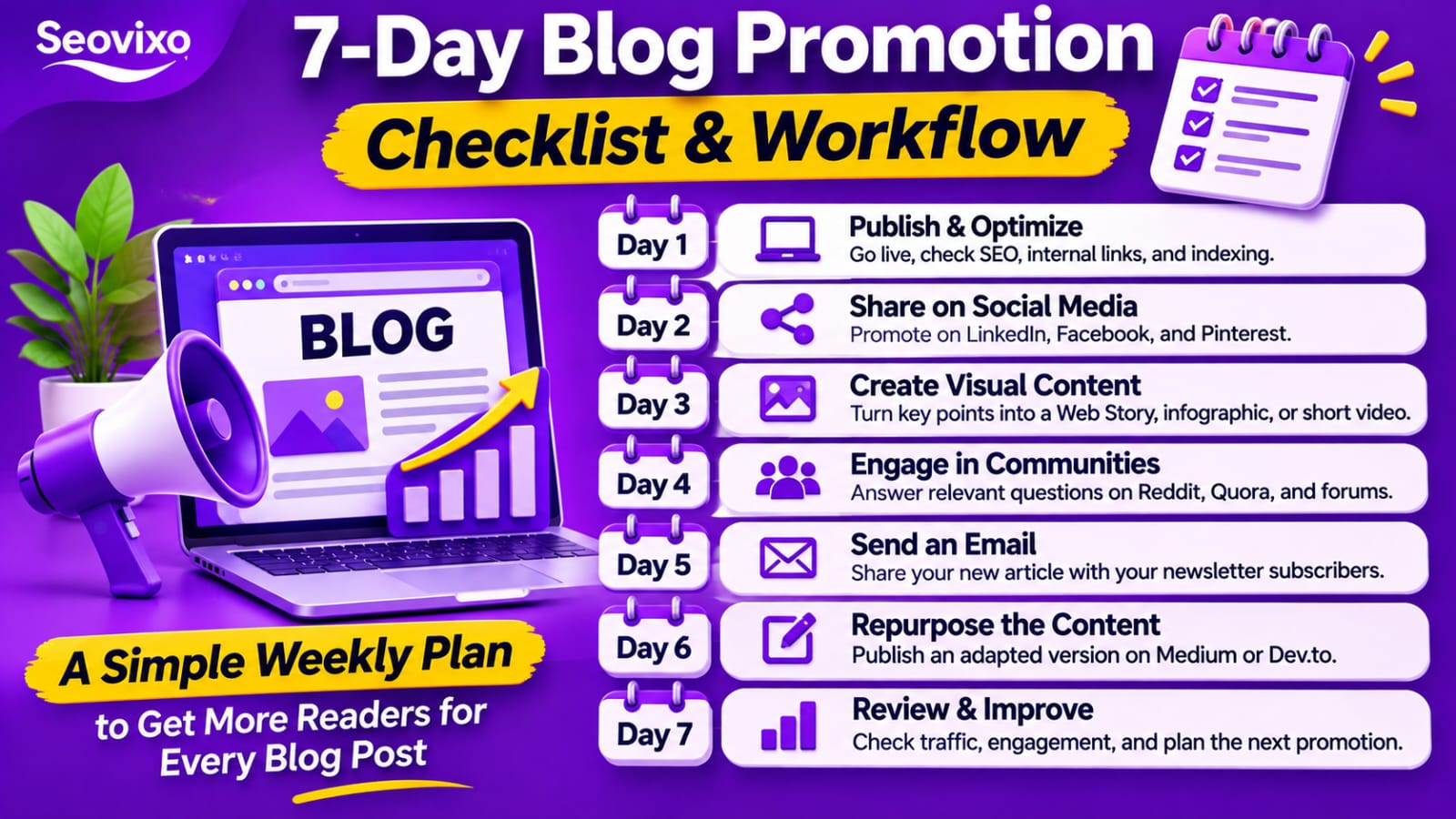
Common Blog Promotion Mistakes to Avoid
Avoid sharing the same promotional message everywhere. Each platform has a different audience and content style.Do not spam communities with links, buy low-quality traffic, or use misleading headlines to generate clicks.
Also, do not expect every article to attract visitors immediately. Some channels can bring attention quickly, while organic search may take much longer.
Most importantly, measure the quality of traffic. Relevant readers who explore your website are more valuable than large numbers of visitors who leave immediately.
Final Thoughts
Creating useful content is important, but helping people discover it is equally valuable.Start by optimizing your articles for search, sharing them through relevant social platforms, building an email list, participating in communities, and connecting related content through internal links.
You do not need to use all 15 methods for every article. Choose the channels that suit your audience and follow a consistent promotion routine.
Over time, this approach can help Seovixo reach more relevant readers, build a stronger audience, and turn useful articles into lasting traffic opportunities.