How to Find Which Blog Posts Are Losing Traffic
A traffic decline is easier to fix when you know exactly which pages are responsible. Total website traffic can hide the problem because one large article may lose hundreds of clicks while other pages remain stable.Google Search Console is the best starting point for Google Search traffic. Its Performance report can be grouped by Pages and compared across date ranges using clicks, impressions, CTR, and average position.
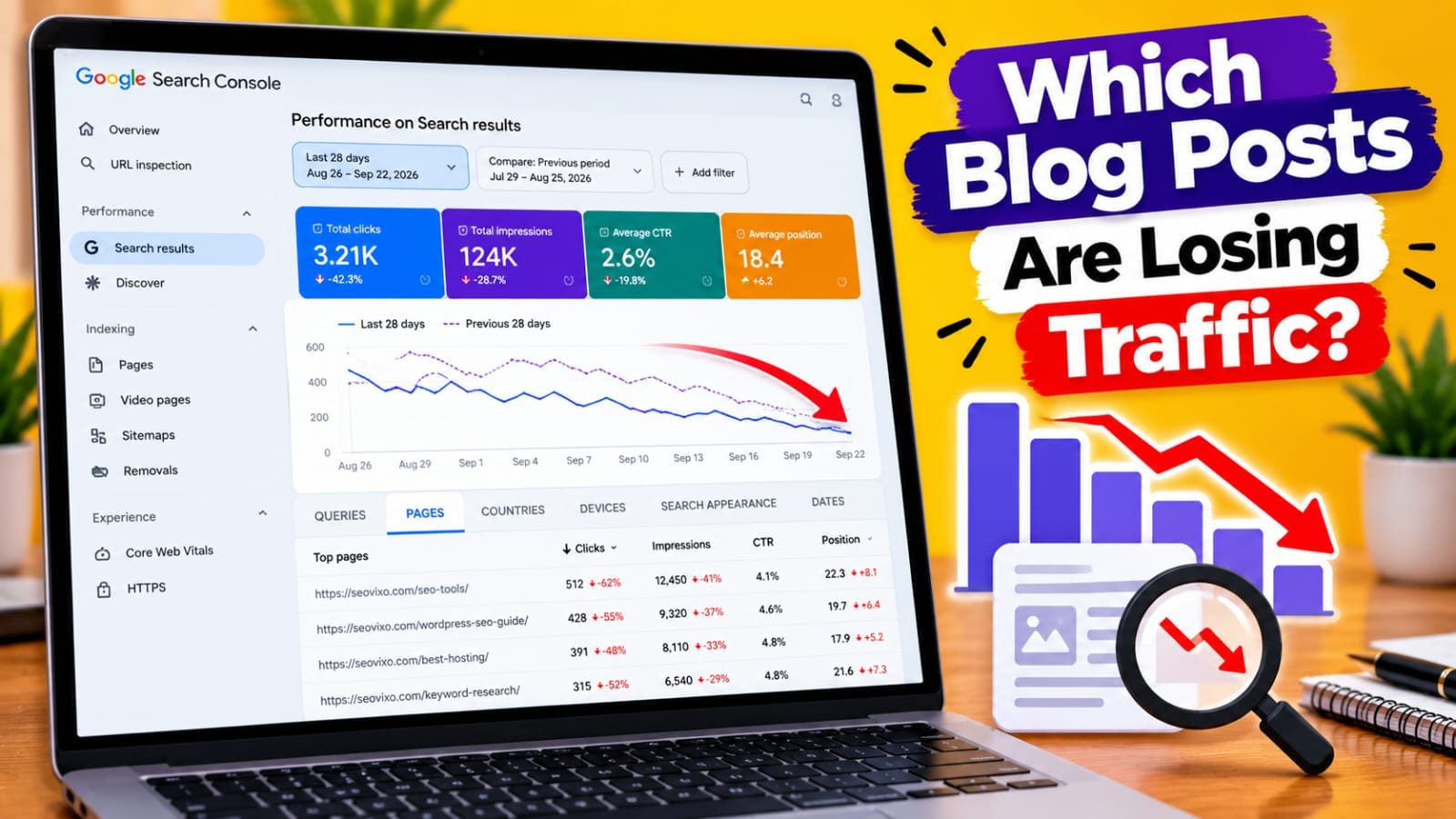
1. Confirm What Traffic Is Falling
First determine whether the decline is actually from Google Search.
Check:-
Google Search
- Direct- Referral
- Social- Discover
For SEO analysis, start with Search Console. Use Google Analytics as a second source for overall landing-page traffic.
*Don't rewrite an article until you know the traffic source actually declined.*
2. Compare Two Useful Periods
Go to:
Google Search Console → Performance → Search results → Pages
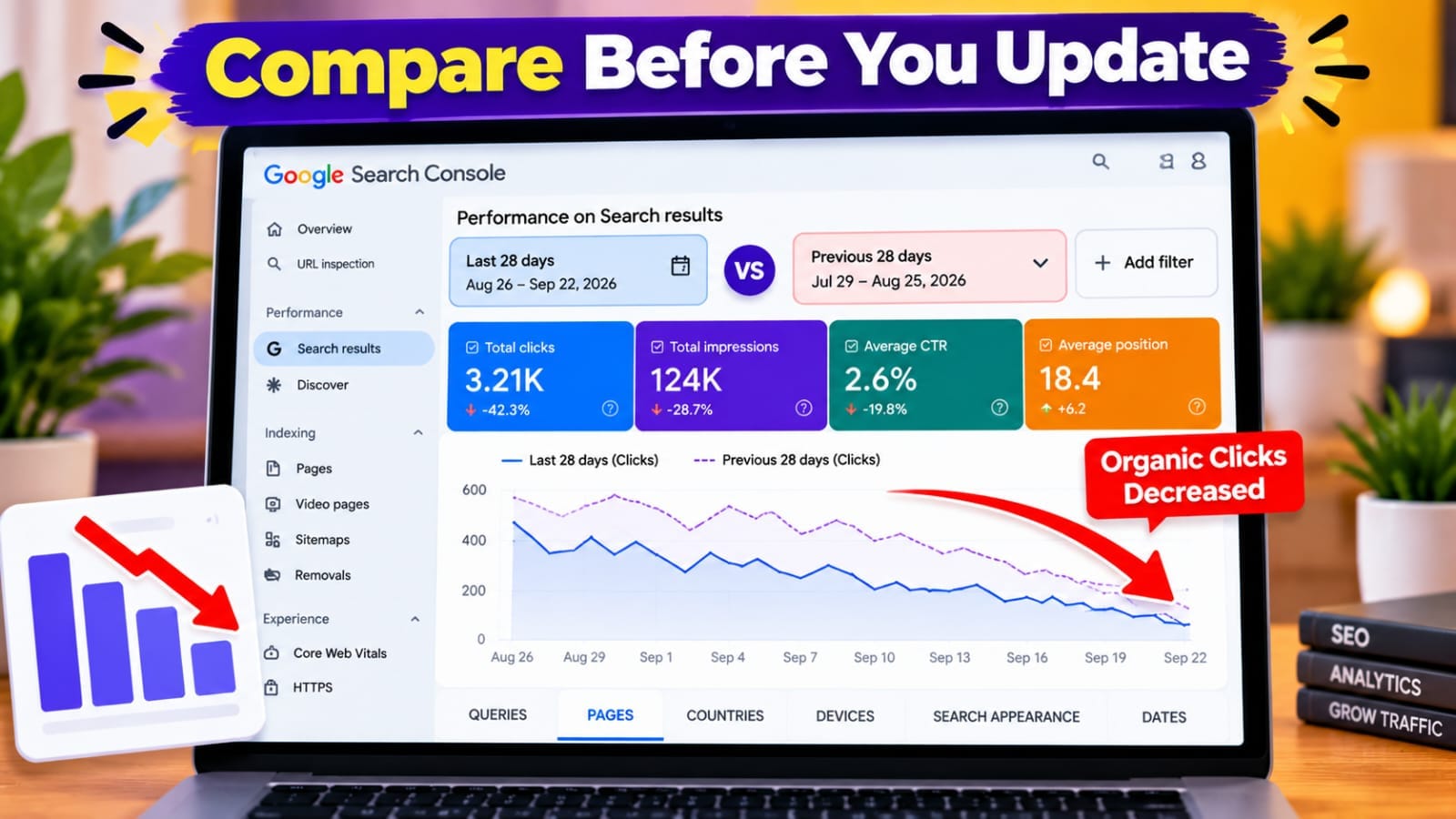
Choose the affected period and compare it with a previous period.For example:
*Last 28 days vs previous 28 days*
For seasonal topics, compare the same period year over year when enough data exists.Google's comparison report provides a Difference column, which helps identify pages with the largest changes.
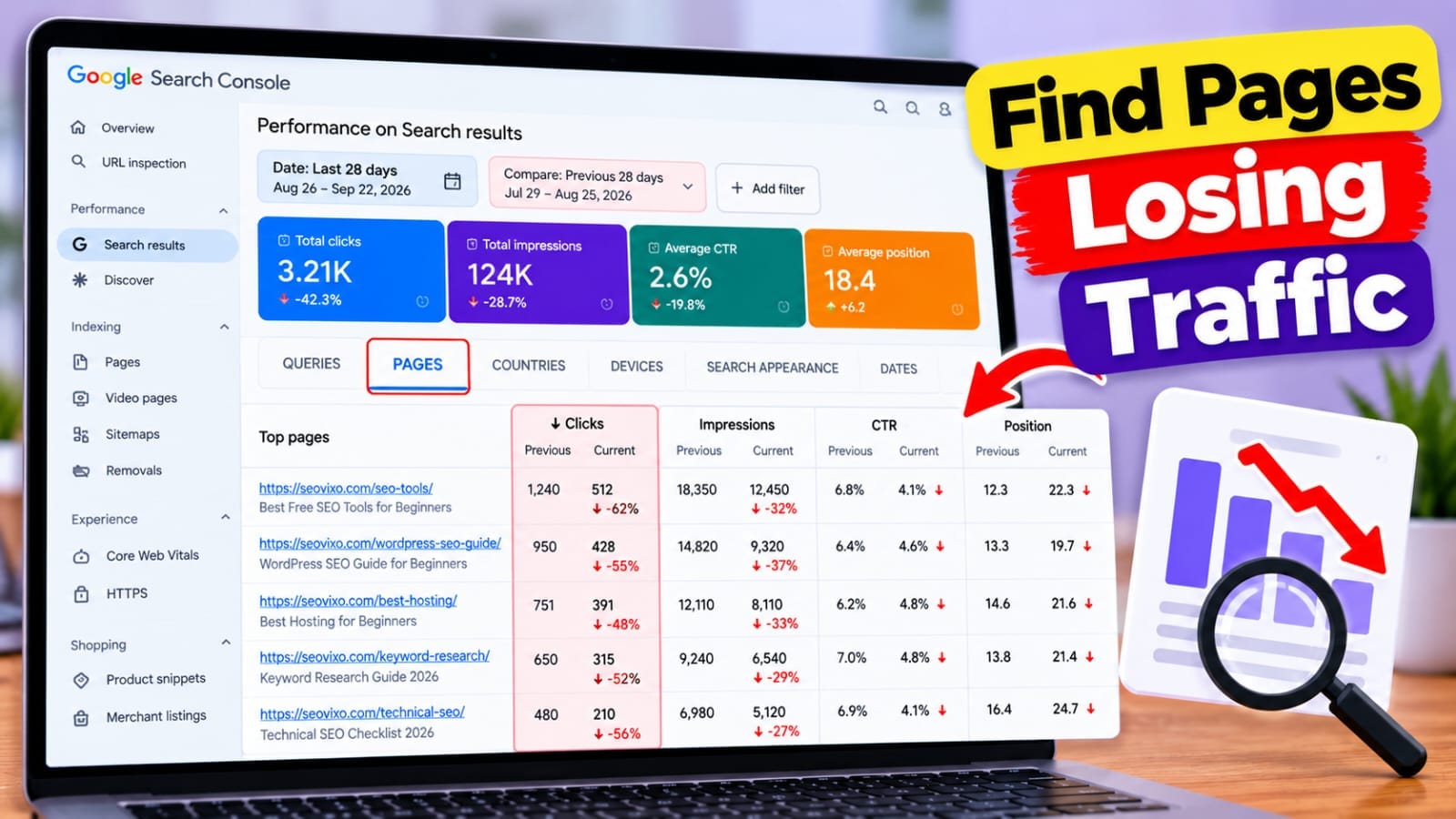
3. Find the Pages Losing the Most
Suppose organic clicks fell by 1,000.That could mean one major page lost most of the traffic, several pages lost traffic evenly, or many smaller changes added up.
Create a sheet containing:
URL | Previous Clicks | Current Clicks | Difference | Previous Impressions | Current Impressions | CTR | Position
Start with pages showing the largest meaningful losses.
*Page-level analysis turns a vague traffic decline into a specific list of URLs.*
4. Compare Clicks and Impressions
Clicks alone don't explain the cause.
*Clicks Down + Impressions Down*
The page is appearing less often. Investigate ranking changes, search demand, competitors, indexing, and technical issues.
*Clicks Down + Impressions Stable*
Visibility may be similar, but fewer users are clicking. Investigate CTR, title, snippet, SERP features, and search intent.
*Clicks Down + Impressions Up*
The page may be appearing for more queries but in weaker positions or for queries with lower click potential. Don't automatically assume the content is worse.
*Analyze clicks, impressions, CTR, and position together.*
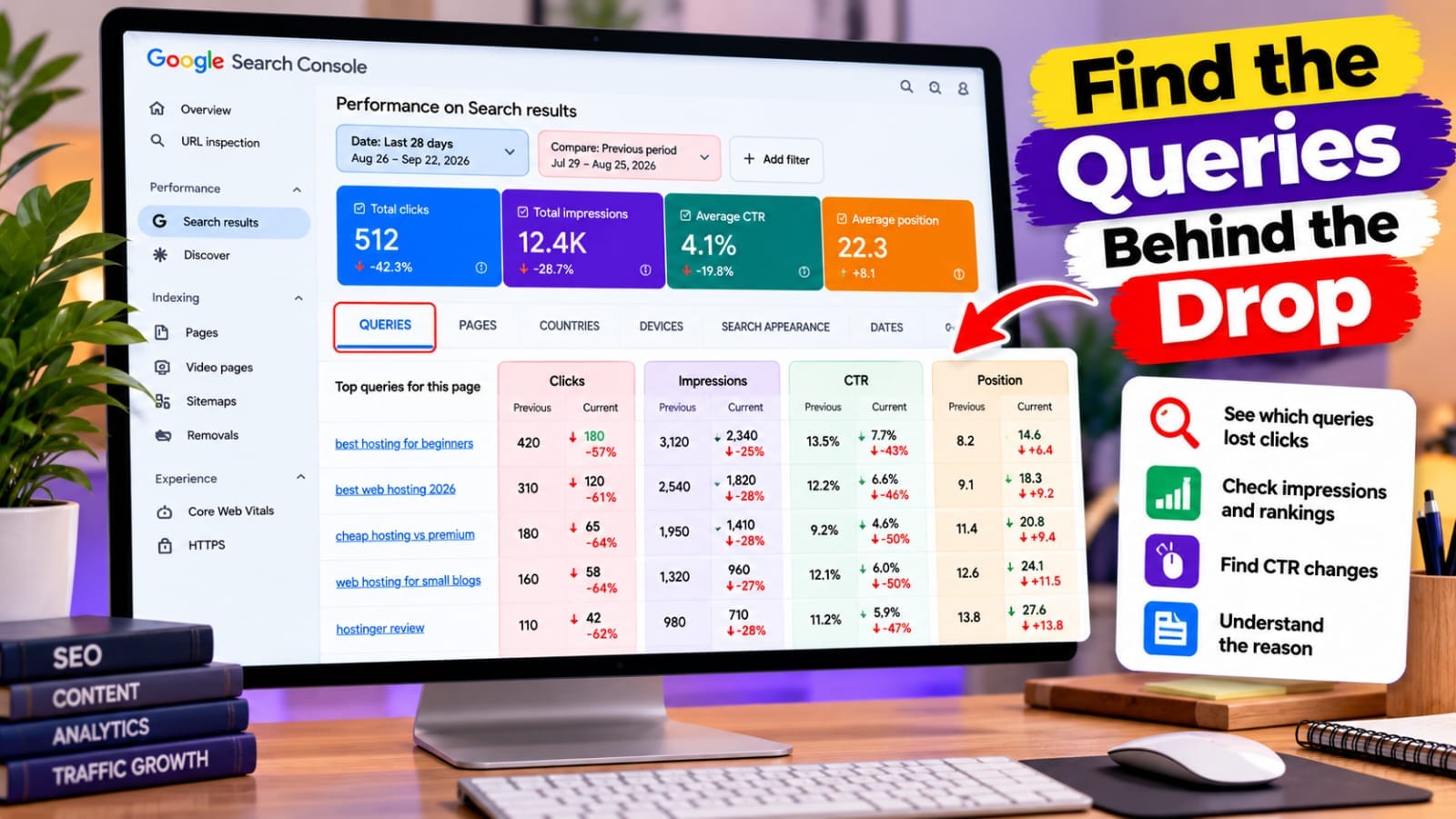
5. Investigate the Queries Losing Traffic
After finding a declining page, select its URL and open the Queries report.Search Console lets you examine the queries associated with that page and compare performance across periods.
Look for queries where:
- Clicks dropped
- Impressions dropped
- Position worsened
- CTR declined
6. Check Whether Search Intent Changed
Compare your page with the current Google results. Check whether results now favor tutorials, comparisons, product pages, lists, tools, or more practical examples.
For example, a page targeting “best WordPress hosting for beginners” may struggle if it mainly explains hosting while competing pages provide comparisons, pricing context, use cases, and recommendations.
*Update the page based on what searchers need now, not simply because traffic declined.*
Blog Traffic Loss Analysis Tools Compared
7. Check Indexing and Technical Problems
Before rewriting an article, verify that Google can still access and index it.
Use URL Inspection and check:
- Indexing status
- Canonical URL
- Noindex directives
- Redirects
- Crawl information
Also investigate 404/5xx errors, robots.txt blocking, sitemap problems, and hosting outages.A sudden traffic drop combined with an indexing or server problem should be treated as a technical issue first.
*Don't rewrite good content to solve a technical mistake.*
8. Look for Internal Competition
Another page on your own website may have started competing for similar searches.Review pages covering nearly the same topic and compare their queries in Search Console.
If two articles overlap heavily, clarify their intent, consolidate them, or strengthen the page that deserves to be the main resource.
9. Check Seasonality and Search Demand
Not every decline is an SEO failure.Traffic can fall because of seasonal demand, holidays, expired trends, product changes, or industry events.
For seasonal topics, compare the same period from the previous year.If impressions have fallen because search demand declined, rewriting the article may not restore previous traffic.
10. Confirm Organic Traffic in GA4
Search Console explains what happened in Google Search. GA4 helps confirm which landing pages actually received traffic.
Use the Landing page report and isolate organic traffic.Use both together:
*Search Console = search visibility**GA4 = website traffic*
11. Prioritize the Pages Worth Updating
Don't update every post that lost a few clicks,
Give priority to pages with:
*Large click loss + meaningful impressions + ranking decline*
or
*Stable impressions + major CTR decline*
Also consider business value and search demand.A page losing 500 clicks with strong remaining impressions usually deserves more attention than a page losing 5 clicks from a tiny query set.
Final Checklist
Use this workflow when organic traffic drops:
1. *Confirm Google Search is declining.
*2. *Compare the affected period with a previous period.
*3. *Switch to Pages and find the biggest losses.
*4. *Open the declining page and inspect its queries.
*5. *Compare clicks, impressions, CTR, and position.
*6. *Check current search intent and competitors.
*7. *Verify indexing, canonical, redirects, and technical health.
*8. *Look for seasonality and search-demand changes.
*9. *Confirm organic landing-page traffic in GA4.
*10. *Prioritize the pages with the biggest opportunity.*
The key lesson is simple:
*a traffic decline is a symptom, not a diagnosis.*A blog post can lose traffic because it lost impressions, rankings, CTR, search demand, indexing status, or because another page began competing for similar queries.Analyze the *page first, then its queries, then the technical and search context*. That gives you evidence for whether the right action is to update, consolidate, redirect, or leave the article alone.
My Practical Experience
While analyzing my own website, I found that total traffic numbers did not tell me which articles really needed attention. Looking at individual pages in Search Console and then drilling into their queries gave me a clearer picture of where impressions, clicks, and positions were changing.
I also learned not to rewrite a declining article immediately. First I check whether the loss is caused by impressions, CTR, rankings, search intent, indexing, or a technical change.
*The goal is to diagnose the cause before changing the content.*